
A focused AI workspace for image and video creation
Create images, shape video ideas, keep reusable assets, and move from public inspiration into a signed-in workspace built for quality-first generation.
Describe your idea, or capture a spark of inspiration.Start creating
Prompt ideas in action
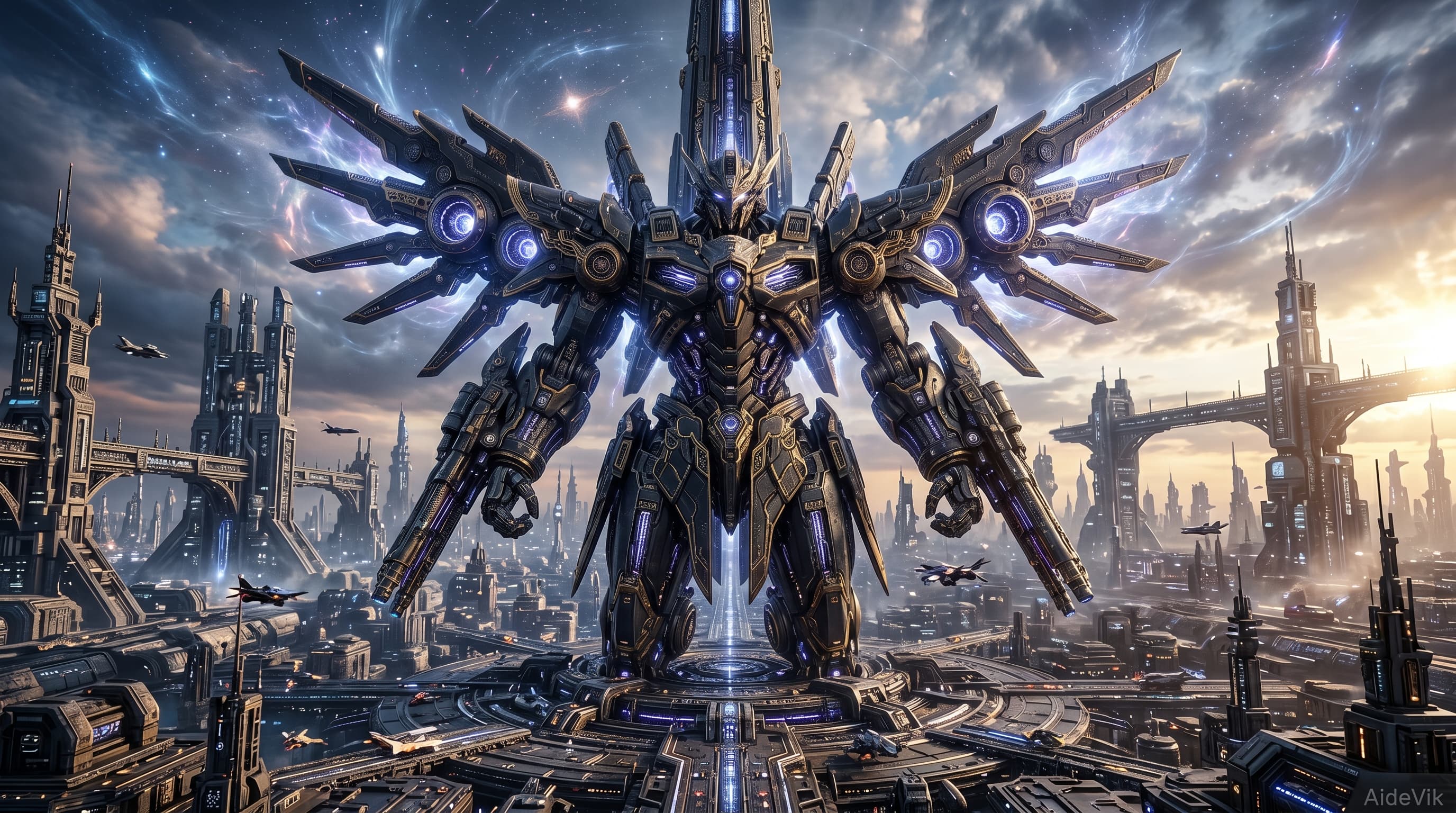
"A giant mech stands in the center of a futuristic city, wings fully spread."
Future city guardian
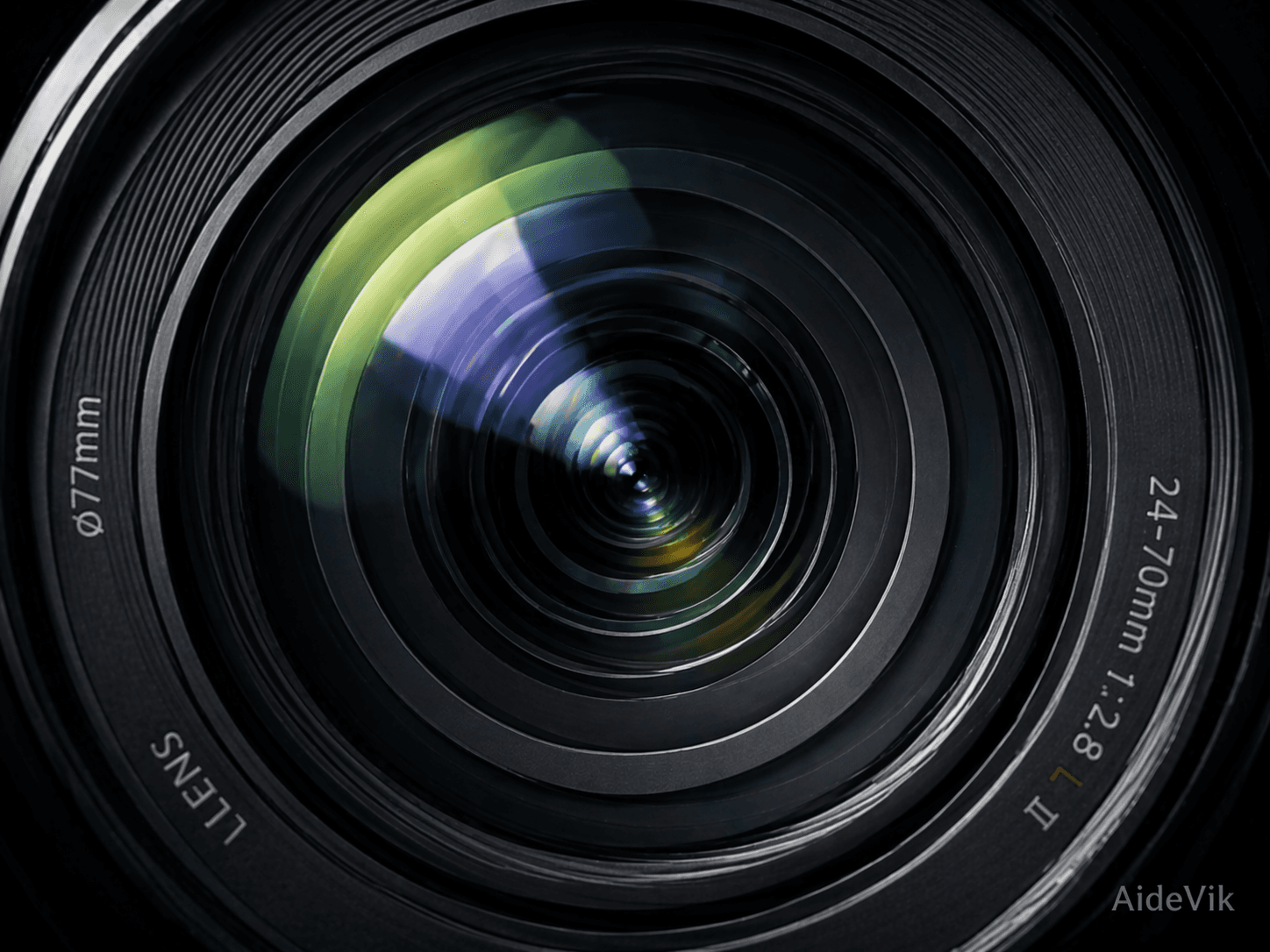
"A close-up view into an optical lens."
Optical close-up
Create with sharper starting points
Prompt Lab
Start with a spark. Use Prompt Lab to generate prompt options, then choose the one you want to create with.
Try it now
Create in one flow
Move from prompt to image, video, and references without losing the thread of the idea.
Reusable assets
Keep generated results and reference materials organized, ready for the next piece of work.
Creative entry
From loose idea to finished asset
Shape a rough idea in Prompt Lab, or go straight into image and video creation when the concept is ready.
Ready to make something?
Open WorkspaceHow creation starts
Prompt Lab helps turn a loose idea into a more complete creative brief.
Image and video generation happens in the signed-in workspace, where outputs can be managed and downloaded.
Explore more workflows to create richer campaign, product, and social assets.
Questions before you jump in
Where should I start?
If you only have a spark, try Prompt Lab first. If the idea is already clear, jump into image or video creation.
What does AideVik help me manage?
AideVik helps you shape prompts, generate images and videos, and keep useful materials ready for later work.
What is a workflow?
A workflow helps complete a more complex task automatically, such as turning one sentence into an ecommerce hero image or social media asset.